
The short answer
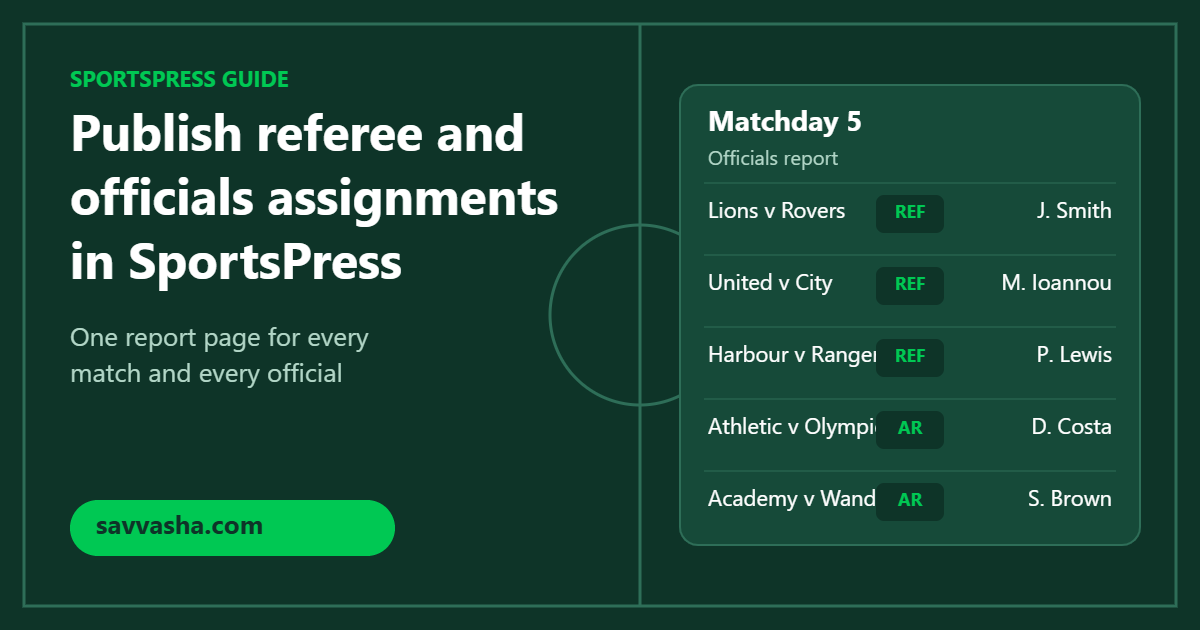
SportsPress already lets you assign officials such as referees and assistants to every match. To publish who officiates which games, add the Officials Report for SportsPress block or shortcode to a page and filter it by league, season, matchday or date range. To give each official a proper profile page, use the free Officials Templates for SportsPress.
Leagues get the same questions every week: who is refereeing our game, and how many matches has this referee done this season? Answering them from the match pages one by one does not scale. A single report page does.
Step 1: turn on officials in SportsPress
- Go to SportsPress > Settings > Modules and enable Officials under Players & Staff.
- Create your officials, one entry per person.
- Assign each official to the leagues and seasons they work in. Without this, their profile shows no stats.
- Open each event and add its officials with their duty, for example Referee or Assistant Referee.
Once officials are attached to events, everything below works from that data. Nothing has to be entered twice.
Step 2: publish an officials report
Officials Report for SportsPress turns those assignments into a clear table of matches and the officials assigned to them. It updates on its own whenever you assign officials or edit events.
- Create a page, for example “Match Officials”.
- Add the Officials Report block. The block shows a live preview in the editor while you adjust its settings.
- Pick the league and season, and optionally a matchday or a “From” and “To” date range, plus how many events to show.
- Publish the page and link to it from your menu.
Prefer shortcodes, or using a page builder? The same report works anywhere with the shortcode, for example:
[orfs_officials_report league="premier-league" season="2021-2022" matchday="5"]The report comes with CSS classes so you can match it to your theme, it checks that the “To” date is not before the “From” date, and it works on WordPress multisite.
Ideas that work well for leagues
- This week’s appointments. A report filtered to the next matchday, linked from your homepage.
- A season archive. One report per season, so clubs and officials can look back at who worked which game.
- A referees’ corner. A page for your referee committee, filtered by date range for each round of appointments.
Step 3: give each official a profile
The free Officials Templates for SportsPress improves the official’s own page. It adds details such as nationality and age, lets you choose which details appear and in what order, and lets you pick which duties show stats and info. Configure it under SportsPress > Settings > Officials.
FAQ
Do I need SportsPress Pro? No. Officials are part of SportsPress, and both plugins work with the free version.
An official’s profile shows no stats. Assign the relevant leagues and seasons to that official.
Can I try the report before buying? Yes. You can try Officials Report free for 14 days, no credit card required.
Next step
Enable officials, assign them to your next matchday, and add a report page with Officials Report for SportsPress. If your league needs a report the plugin can’t build yet, let me know.